 splatvik
From zero to injected.
Follow these in order. Almost every support ticket we receive is one of these steps done out of sequence.
Disable Secure Boot
Windows refuses to load unsigned kernel drivers while Secure Boot is enabled, and our kernel-mode builds need one.
- Restart and enter your BIOS/UEFI — usually Del, F2 or F12 during boot.
- Find Secure Boot. It lives under Boot, Security or Authentication depending on your motherboard vendor.
- Set it to Disabled. On ASUS and Gigabyte boards you may need to change OS Type from "Windows UEFI mode" to "Other OS" first.
- Save and exit.
Verify: press Win+R, type msinfo32, and check that Secure Boot State reads Off.
Our Unity-based builds (Pro Soccer Online, Unturned) are user-mode only and skip this step entirely.
Pause antivirus protection
The loader allocates executable memory in another process and writes code into it. That is exactly what heuristic antivirus is built to catch, and there is no way around it.
For Windows Defender:
Windows Security → Virus & threat protection
  → Manage settings → Add or remove exclusions
  → Add an exclusion → Folder → (your loader folder)
Third-party antivirus follows the same pattern — find the exclusions or allow-list section and add the loader's folder. If you are not comfortable doing this, that is a completely reasonable position and you should not buy cheat software.
Get your key
Your key is issued the moment payment confirms. It appears in your dashboard under Licences.
Keys look like SPLV-XXXX-XXXX-XXXX. Copy it with the button rather than selecting by hand — a trailing space is the single most common cause of "invalid key".
Download and run the loader
Download from the download page while signed in, so you get the build tied to your licence.
Run it as administrator — right click → Run as administrator. Without elevation the driver cannot map and you will get a permission error.
Authenticate and check status
Paste your key and press Authenticate. The loader shows four values:
| Field | What it should say |
|---|---|
| HWID | unbound on first use, bound after |
| Build | The current version — check it against the changelog |
| Expires | Days remaining on your subscription |
| Status | Must read undetected |
If Status is anything else, injection is blocked. That is the safety gate, and it has no override. Watch the status page — the moment it returns to undetected, the loader works again.
Launch the game, then inject
Order matters:
- Loader is open and authenticated.
- Launch the game.
- Wait for the main menu — not the splash screen, not a loading screen.
- Press Inject in the loader.
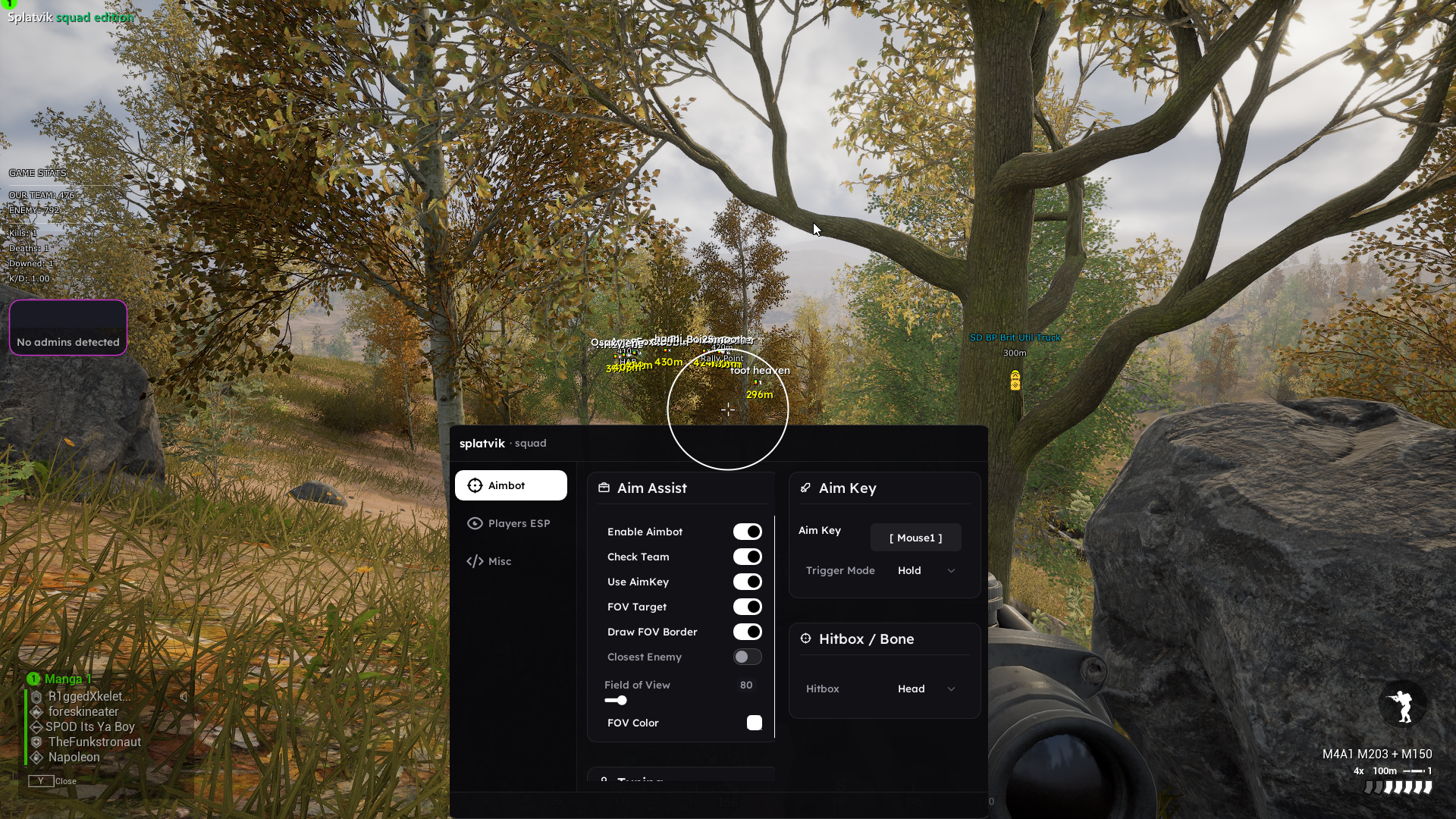
- In game, press Insert to open the menu.
- Press End at any time to unload everything instantly.
Injecting during a loading screen is the second most common failure we see. Wait for the menu.
After setup
Before your first real match, read the configuration advice on your product page. FOV limits and smoothing are what keep you from being reported — they matter far more than any technical feature.
Stuck on a step?
Support answers in about eleven minutes, around the clock.